
Can a Photo Taken with a Phone make Large Canvas Prints?
Yes! We tend to store our favorite memories on our phones these days. Family pictures, vacation photos and little day-to-day moments are taken with our phones.

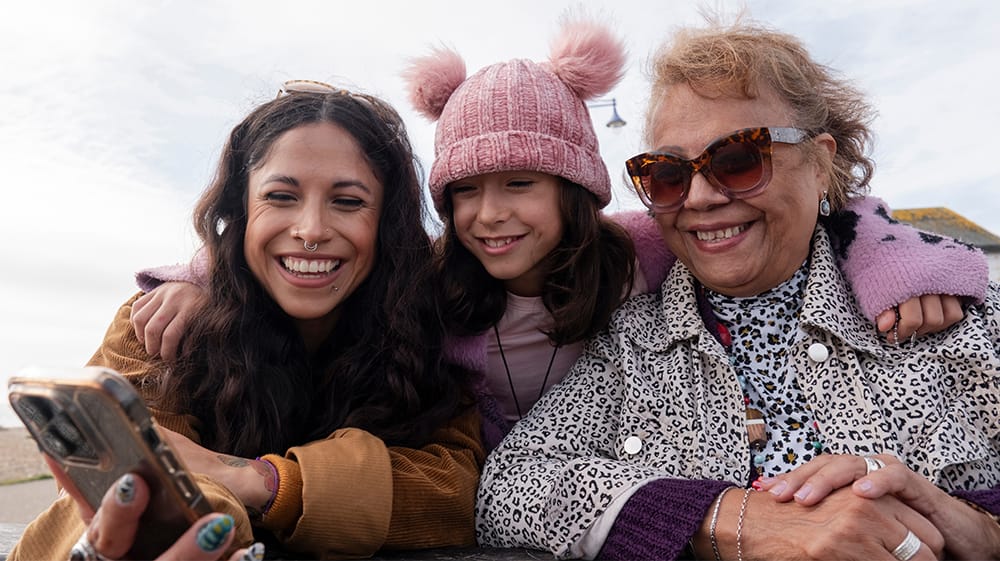
So, when one of those photos feels special enough to hang on the wall, it is only natural to wonder if it will still look good on a bigger scale.
In many cases, it will. The final print quality does depend on the original photo, how large the image is and the canvas size you choose. However, now most smartphones take larger pictures that look great on lots of different canvas sizes. When you upload your image to Canvas On Demand, our website helps guide you toward a canvas size that works for your photo.
What Makes a Phone's Photo Print Well?
A phone photo can look great on your screen but still print a little differently depending on the photo itself. The things that matter most are resolution, focus, lighting, cropping and whether you are using the original photo.
A higher-resolution photo gives Canvas On Demand more detail to work with, especially if you want a larger canvas. A clear photo will usually print better than one that is blurry. Photos with good lighting usually print better than photos that are very dark, grainy or heavily edited. Cropping can also make a difference because the more you crop a photo, the less image there may be to work with.
The best place to start is usually the original photo from your camera roll. Try to avoid screenshots, social media downloads or photos saved from a text message. Starting with the best version of your photo gives you more options when choosing a canvas size.
Why Canvas Is a Forgiving Choice
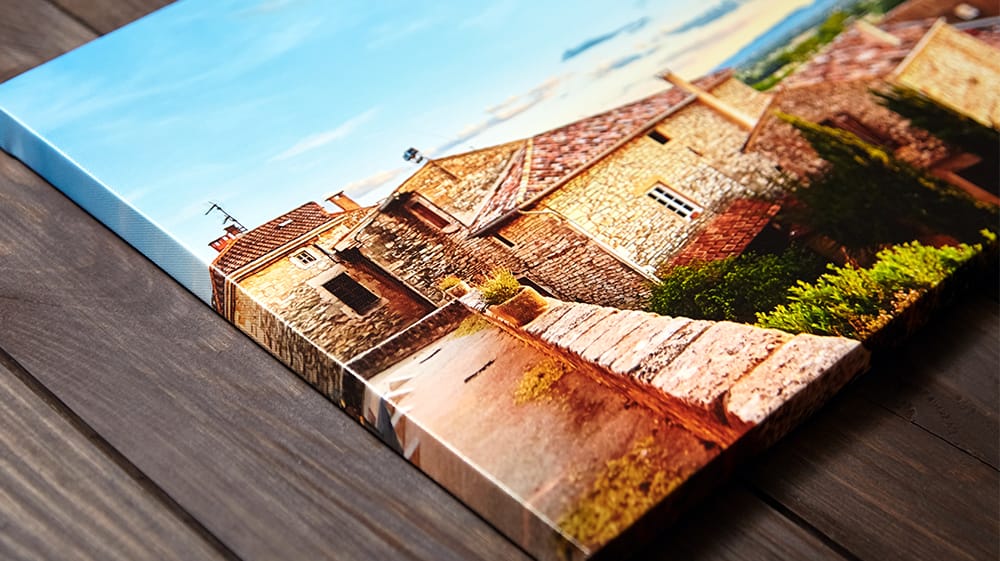
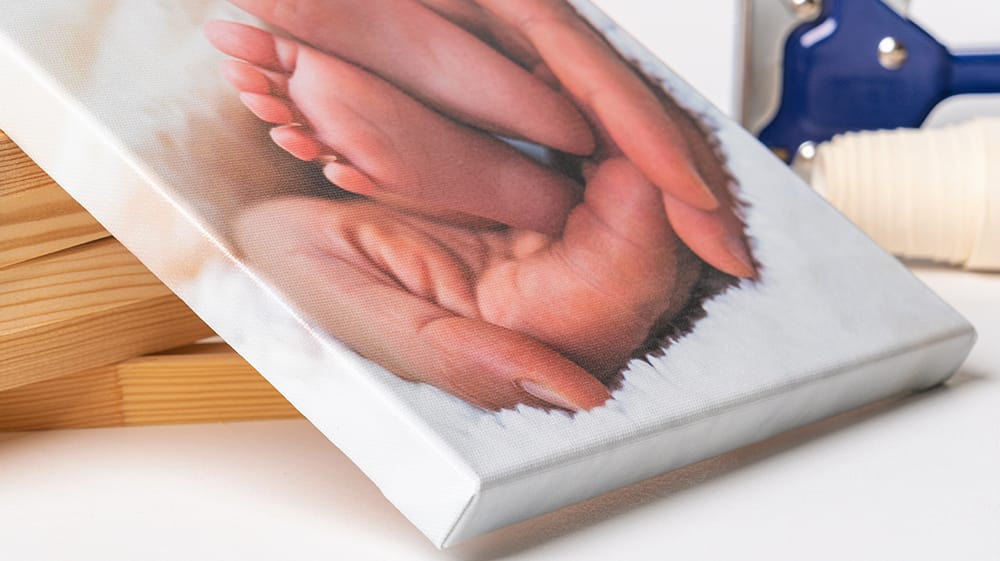
Canvas is a little different from a regular photo print. Since it has texture, every tiny detail does not show in the same way it might on a smooth or glossy surface. That can be helpful when you are printing a phone photo, because small imperfections may not stand out as much.
This does not mean canvas can fix every photo. If an image is very blurry, very small or very low quality, those issues may still show. But for a lot of family photos, pet pictures, vacation shots and everyday moments, canvas can be a good choice because the photo becomes more than just a bigger picture. It feels like personalized art made by your memories.
How Canvas On Demand Helps Check Your Image
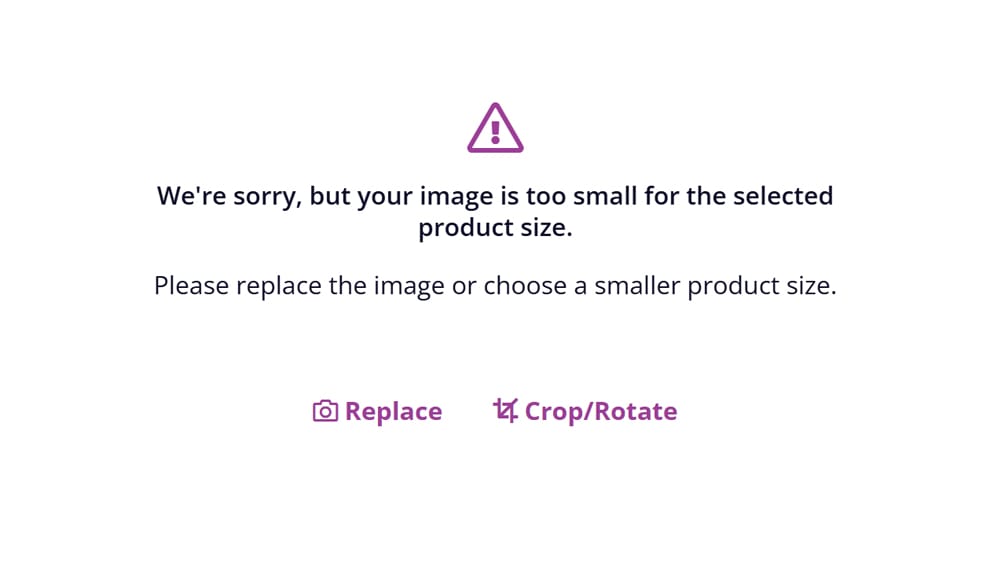
You do not have to know all the technical details to purchase a quality canvas print. When you upload your photo to Canvas On Demand, the online builder helps check whether the image works for the canvas size you selected. If the photo may not print well at that size, it will let you know and you can adjust the size before placing your order.
This helps take some of the guessing out of the process. Instead of trying to figure out resolution and file size on your own, you can upload your photo and let the builder guide you if there is a problem. That way, you have confidence your image is adequate in size before it is printed.
When to Use Pro Review
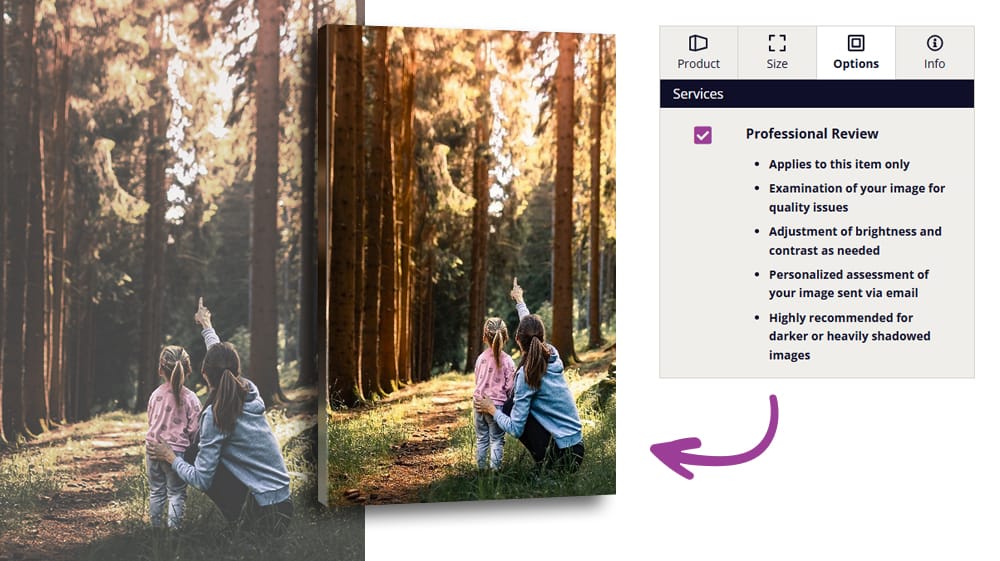
Sometimes the feeling of a photo is exactly right, but the image itself may need a little help. Maybe the photo is darker than you would like, the shadows are heavy or the color does not look quite the way you remember it. In those cases, Pro Review can be a helpful extra step.
With Pro Review, your image is examined for quality issues before printing. Brightness and contrast can be adjusted as needed, and you will receive a personalized assessment of your image by email. It is especially helpful for darker photos or images with heavy shadows, where a little extra review may make all the difference. This is offered in the "Options" tab just after the size selections in our website builder.
Customer Support Is There to Help
If you are not sure which size to choose or whether your photo is the right fit for canvas, you do not have to figure it out alone. Canvas On Demand’s customer support team can help answer questions before you place your order.
This can be especially helpful when you are printing a gift, a family photo or an image that matters to you. Whether you have a question about photo quality, sizing or order details, support is there via our live chat or email to help you feel more confident before turning your photo into canvas wall art.
Top Three Tips for Better Smartphone Canvas Prints
Small choices before uploading can make a big difference in how your final canvas print looks.
- Start with the original photo. Use the original photo from your camera roll whenever you can. Try to avoid screenshots, photos downloaded from social media or images saved from another app if you still have the original.
- Choose a clear, focused image. If a photo looks blurry on your phone, it will likely look blurry on canvas too. A clear photo gives you a better starting point for a larger print.
- Avoid cropping before you upload. Cropping a photo ahead of time can remove image detail you may need for larger canvas sizes. It is usually better to upload the original photo and make any cropping adjustments in the Canvas On Demand editor. If you zoom in too far while cropping, the editor will guide you while using it.
For extra large prints, older photos or sentimental images, consider Pro Review for extra confidence before your photo is ordered.
Be Print-Ready with Canvas On Demand
Your phone's photo gallery does not need to include professionally taken shots to create wall pieces you'll love seeing in your home. If the photo is in focus, the file is the original or full-size version and you choose a canvas size that isn't flagged by our canvas builder, it will become a beautiful canvas print.
Canvas texture can help soften small imperfections, and the Canvas On Demand builder allows you to preview your image on our products before you order. If you want a little more confidence, Pro Review and customer support are there to help too. The easiest way to know what will work is to upload your photo and check it out!
Since 2003, Canvas On Demand has been crafting affordable, high quality, personalized home goods that celebrate life's moments, both big and small, through the permanence of print.
Back to Blog